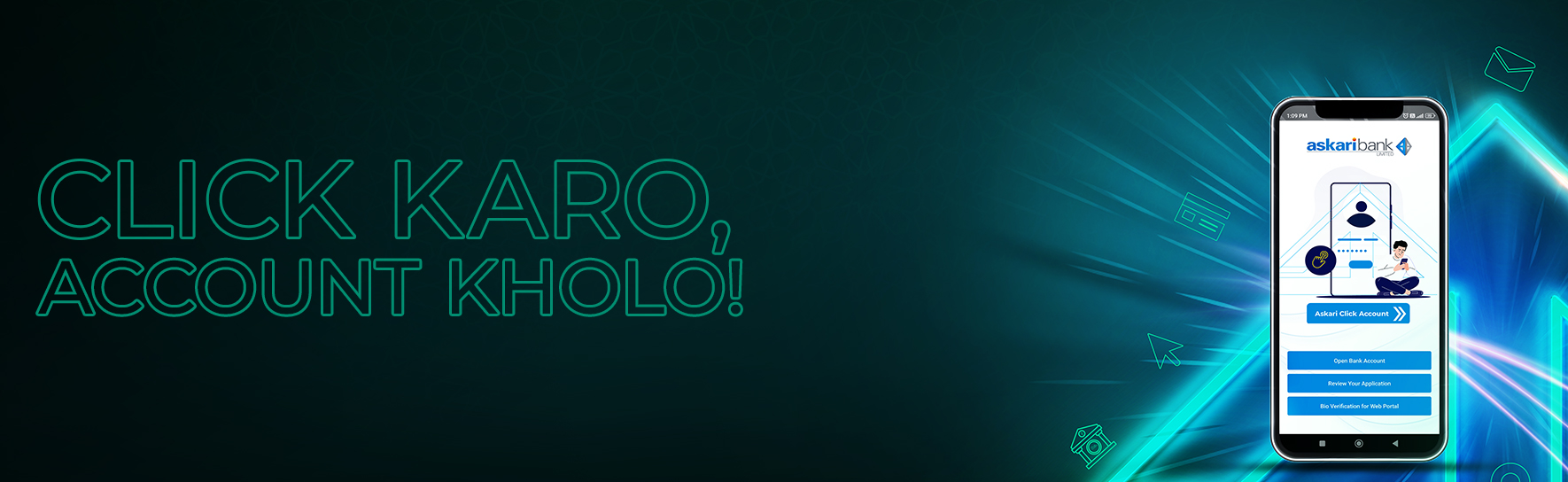
Digital Account Opening Through Mobile App
Introduction:
Welcome to the future of banking with the Askari Click Account – a fully digital account designed to make banking simple, secure, and accessible for everyone in Pakistan. Whether you’re new to banking or looking for a more convenient way to manage your finances, the Askari Click Account offers a seamless onboarding experience, in line with the State Bank of Pakistan’s vision for digital financial inclusion.
Specially designed for individual resident Pakistanis, including those who are unbanked or under-banked.
Enjoy a fast, paperless process with biometric verification and digital declarations.
| Description | Askari Click Account |
| Type | Asaan Digital Account – Current Account |
| Currency | PKR (ONLY) |
| Scope | Islamic Banking |
| Eligibility Criteria | Individual Resident Pakistani (Natural Person) |
| Initial Deposit Requirement | No |
| Minimum Balance Requirement | No |
| Maximum Credit Balance Limit | PKR 3,000,000 |
| Monthly Debit Limit | PKR 1,000,000 |
| Cheque Book | Free Issuance of First Cheque book (if and when requested) |
| Debit Card | Free first PayPak Debit Classic Card issuance (if and when requested, also subsequent issuance/annual fee shall be applicable as per applicable SOC) |
| I-Net/ Mobile Banking | Free |
| e-Statement Facility | Free |
| SMS Alerts/Notification Facility | As per Bank’s Policy and SOC |
| Cross Border Transactions | Not Allowed (Cross Border Transactions i.e. OFTTs) |
| Account Opening Channel | Digital Onboarding of Customer (DOBC) only through “Askari Digital Account Opening Mobile App”. (available on Android, iOS stores) |
| Value-Added Offer | Free accidental insurance on maintaining monthly average balance of Rs. 100,000 & above (The sum insured per account holder shall be equivalent to four times of the last six months average balance-maximum up to Rs.2 million) |
Note: Other services may be charged as per the prevailing Schedule of Charges.
Download the Askari Digital Account Opening App from the App Store (iOS/Android)

Start Your Application:
Verify Mobile No & Email:
Pre-Requisites:
Complete Digital Declarations:
Verify Your Identity:
KYC Related Details:
Select Debit Card & Branch:
Review & Submit: Confirm your details and submit your application.
Download App
Minimum Operating System Requirements:
Askari Digital Account Opening Mobile Application can be downloaded from the following app stores: